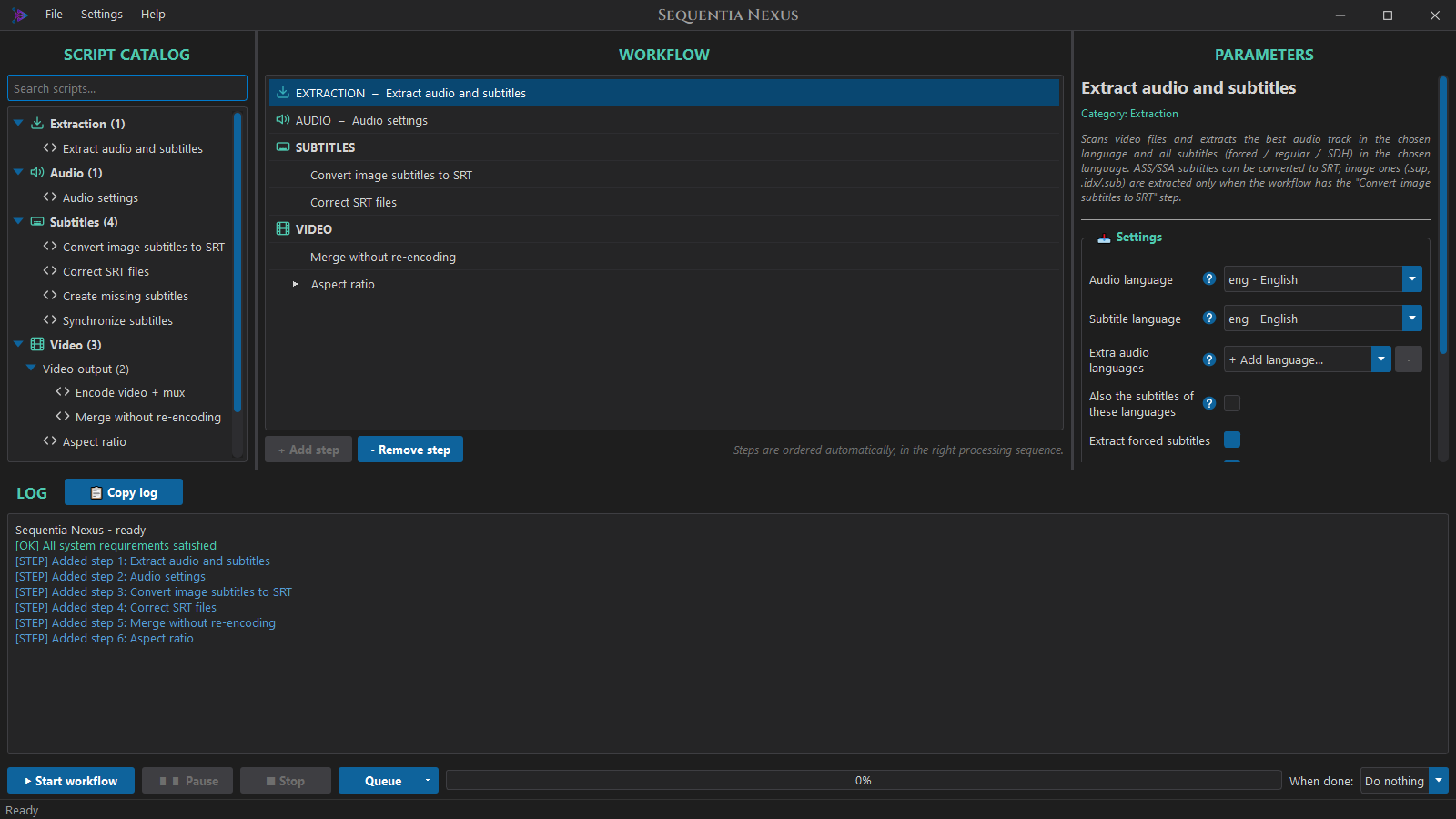
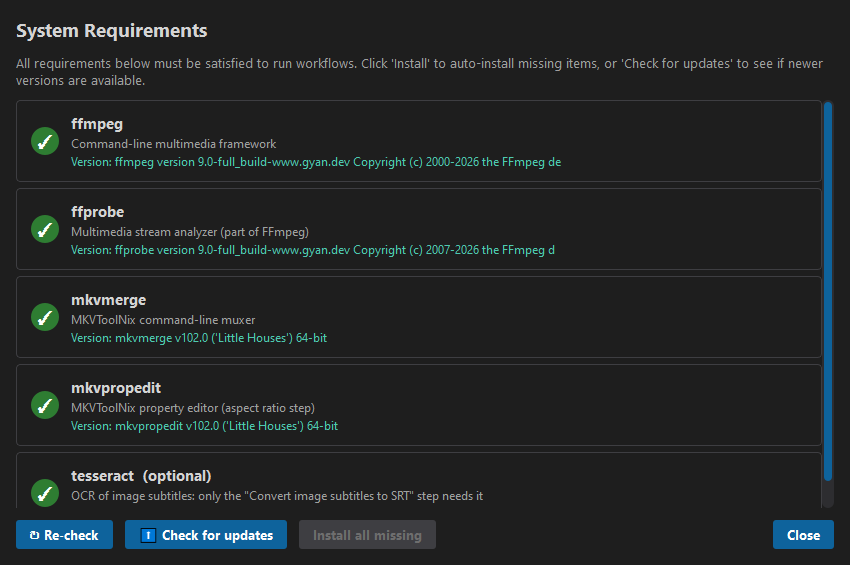
Pick the steps from a catalog, set them up once: the app puts them in the right
order and runs them on every video, movies and TV series apart if you like.
Extract
The best audio track and every subtitle in your language, sorted into forced, regular and SDH, also from MP4, AVI and MOV.
Convert the audio
AC3, E-AC3, AAC, FLAC, DTS, Opus or MP3, 5.1 / 7.1 upmix and an even loudness (EBU R128) for every episode.
Fix the subtitles
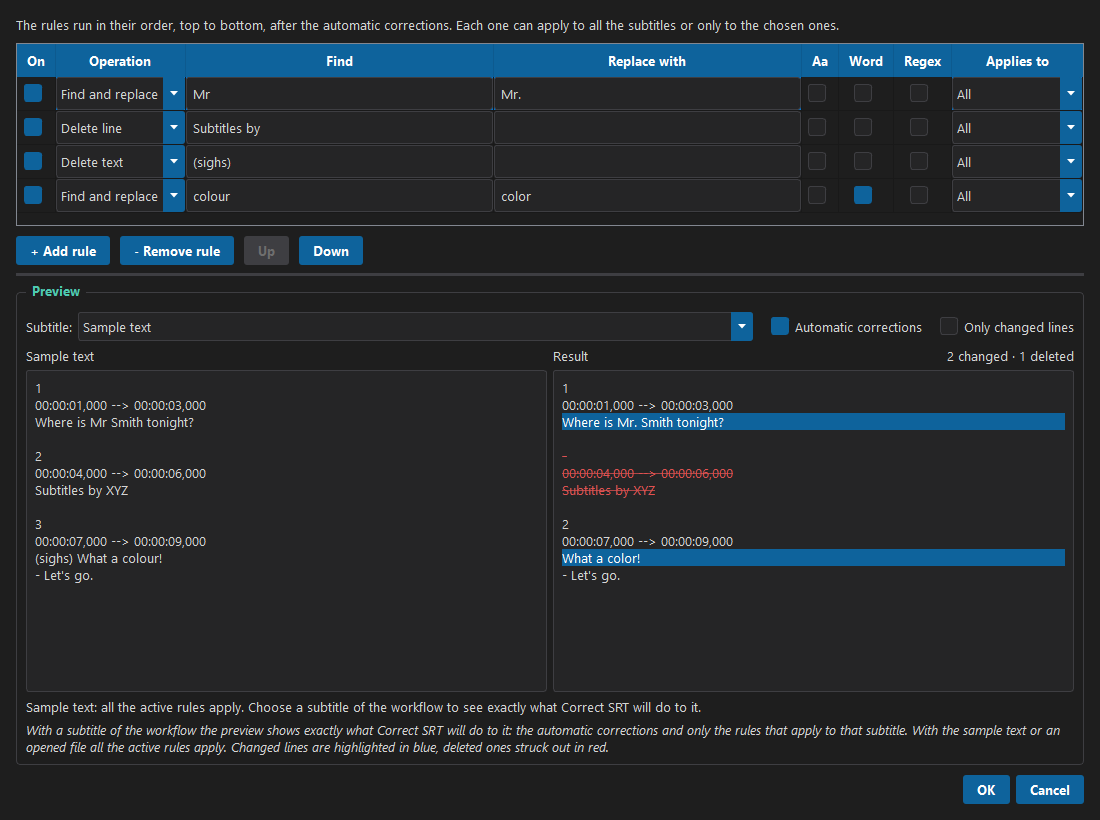
Clean tags and encoding errors, create a missing regular or forced track, resync the timing, add your own rules with a live preview.
OCR of image subtitles
Blu-ray and DVD subtitles turned into text, with a smart correction of the typical OCR mistakes.
Encode with NVENC
H.264 / H.265 on your NVIDIA cards, two videos at once with two cards, while the CPU converts the audio.
Hardsub and fonts
Burn subtitles into the picture (SRT, styled ASS, Blu-ray and DVD images); the fonts of ASS subtitles stay in the file.
Upload to your NAS
SFTP, FTPS or FTP, into the movies and series folders, each file as soon as it is ready, with resume if the connection drops.
11 languages
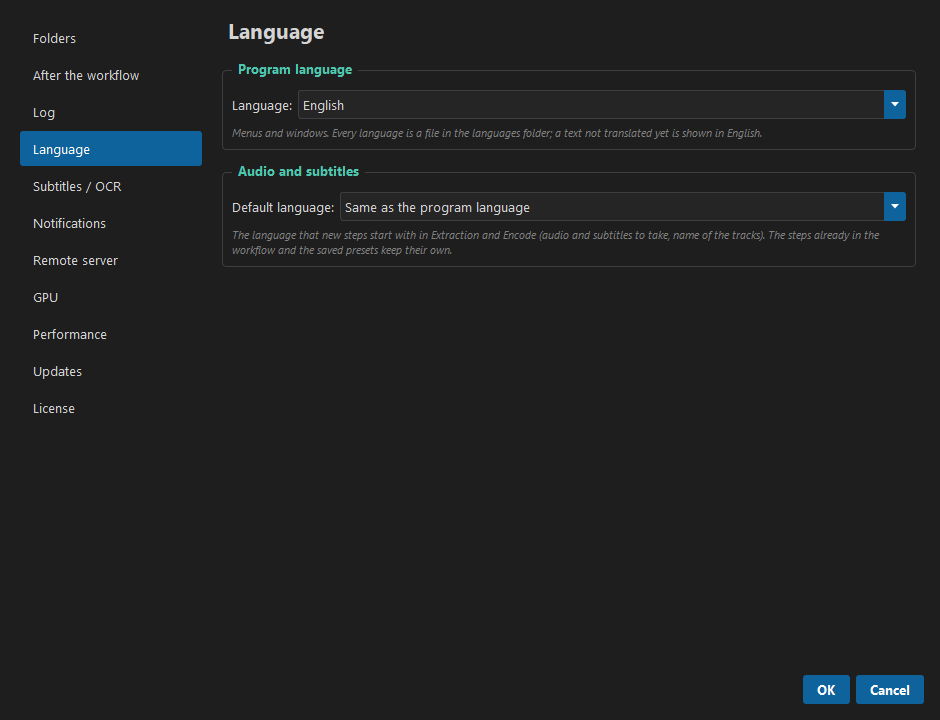
English, Italian, French, German, Spanish, Portuguese, Romanian, Russian, Turkish and Chinese, chosen from Windows at the first start.